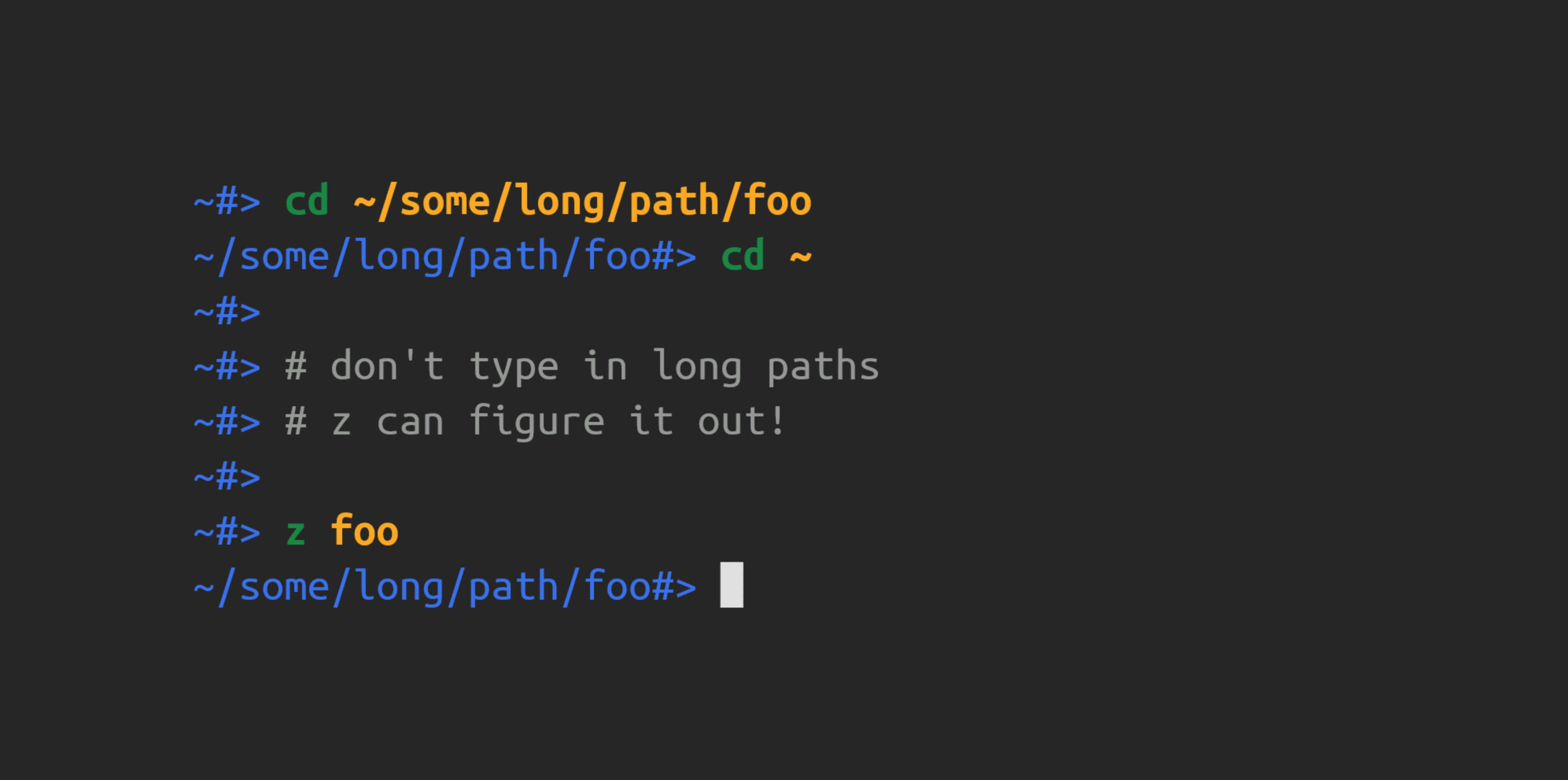
GitHub - ajeetdsouza/zoxide: A smarter cd command. Supports all major shells.
I’ve heard of z-jumper but not zoxide. Zoxide is a smarter cd command.
"It remembers which directories you use most frequently, so you can “jump” to them in just a few keystrokes. Zoxide works on all major shells.
It’s a nice and easier out of box experience than I had with z-jumper. It’s built with Rust, frequently updated (at the time of writing) and available on multiple platforms.
You can use z as you would cd (Change Directory) but Zoxide has some extra quality of life features.
Zoxide cheatsheet
# Zoxide commandsadd     Add a new directory or increment its rankedit    Edit the databaseimport  Import entries from another applicationinit    Generate shell configurationquery   Search for a directory in the databaseremove  Remove a directory from the database
# Normal use to jump directoriesz <path>
# Zoxide interactive mode (requires fzf)zi
# Query a pathzoxide query <path>
# Query a path with its scorezoxide query <path> -s
# List all matching directorieszoxide query -l
# List all matching directories with score using less utilityzoxide query -l -s | less
# Remove a given directory from databasezoxide remove <path>
# Brings up interactive menu to modify entries in your databasezoxide edit
Extra notes:
zoxide remove <path>is handy to remove any unresolved paths that are no longer aroundzoxide editis useful to see and modify everything in your database at oncezoxide query-lflag lists all entries-sflag shows the score of an entry- Using both shows all paths and their score in the database
- You can move up and down in
ziwithctrl-p/nor use vim motions withctrlj/k - Use the linux
| lessutility to view your database with pages as your database gets bigger
How it works under the hood
As you move around directories using z or cd Zoxide keeps track of your most visited paths and applies a weighting system to them they call ‘score’.
Usage
Say you edit in your ~/Developer/Code/project-x folder a lot because you’re working on a new project. With Zoxide you can use z project-x and jump multiple folders to get to the ‘project-x’ folder in one command.
4 things to keep in mind when searching with Zoxide
- The search term is case insensitive
- All of the terms must be contained within the path in the same order
- The last component of the last keyword must match the last component of the path
- All matches are returned in descending order of their weights
Zoxide interactive mode with fzf (fuzzy find)
Zoxide can work together with fzf. Use the zi to bring up zoxide interactive mode which is a fuzzy finder for your zoxide database. It shows all your paths and their score in a menu. You can scroll up and down with ctrl+p and ctrl+n or ctrl+j/k for vim motions
# Zoxide interactive modeziResources
This video zoxide has forever improved the way I navigate in the terminal. - YouTube by Dreams of Autonomy was how I found about Zoxide and 5 minutes in to using it I’m already enjoying it.